How to Start a Podcast at Home for Free (And Exactly When to Stop)
The free way to record a podcast at home on the phone you own, what the free tiers really allow, and the three points where doing it alone stops.
Almost every article that ranks for “how to start a podcast for free” was published by a company selling what it recommends. Riverside’s free guide recommends Riverside’s recorder.Riverside’s free podcast guideChecked 2026-08-04 The most-linked guide to phone recording comes from a microphone manufacturer. That doesn’t make the advice wrong. It does mean none of them has a business reason to say where the free path ends, and none of them does.
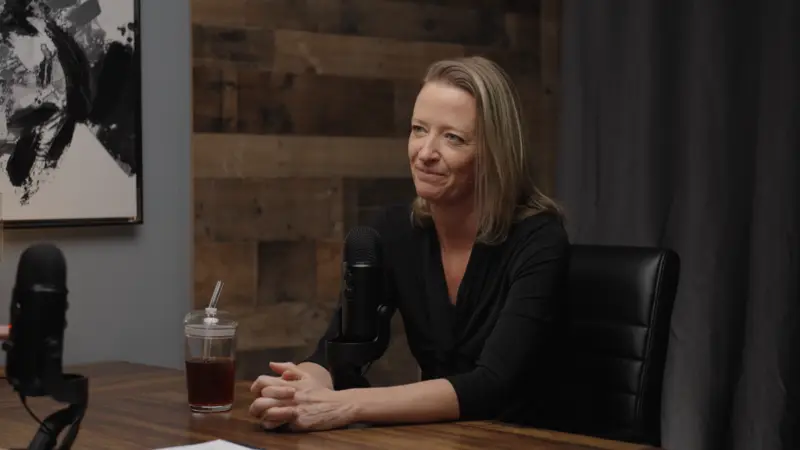
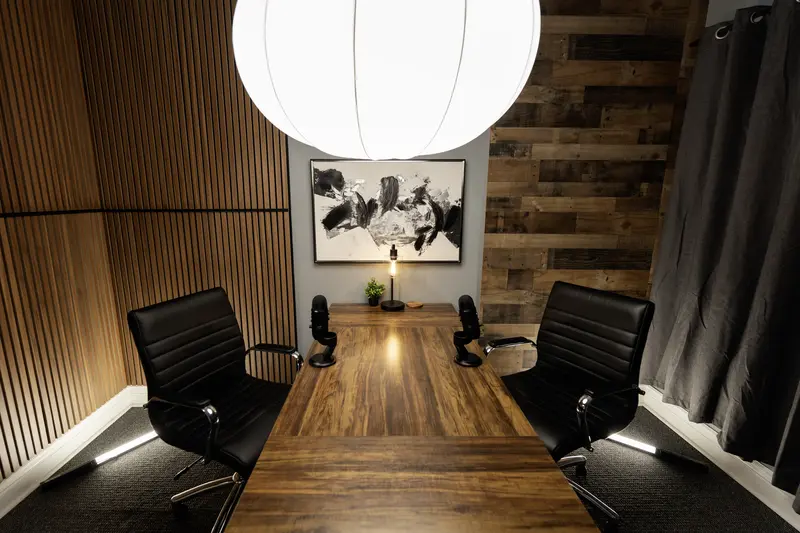
I run a video podcast studio in Eagle. We’ve produced more than 300 episodes since 2023, and the thing clients tell me most often on a first call is that they started a show themselves, kept it up a while, and stopped. Finding that out on your own phone costs nothing. Finding it out on my invoice costs a lot more.
The phone in your pocket is the recorder
The Podcast Host sells a production tool at $38 a month, and they still say this out loud: “there’s nothing to stop you running your entire podcast on your phone.”The Podcast Host on startingChecked 2026-08-04 They’re right, and they had every reason not to say it.
Three things decide whether a phone recording sounds fine or sounds homemade, and the phone is not one of them.
Distance. Put the microphone four to six inches from your mouth, angled slightly off to the side so your p-sounds pass by instead of hitting it head on. Technique guides converge on that range.microphone technique guideChecked 2026-08-04 A phone across the desk has no directional rejection to fall back on, so it records your room about as loudly as it records you, and every inch you add makes that worse.
The room. Soft furniture beats acoustic foam, and several guides say so directly.SoundGuys on podcasting from homeChecked 2026-08-04 Carpet, curtains, a couch and a full bookshelf all help, and a closet with clothes in it is a genuinely good vocal booth. The worst room in your building is the empty conference room with hard walls and a glass table, and it’s the one everybody picks because it has a door. I’ve heard enough Treasure Valley first episodes to recognize that room before anybody tells me where they recorded.
The settings. iPhone Voice Memos has a Lossless option under Settings, then Voice Memos, then Audio Quality.Apple’s Voice Memos settingsChecked 2026-08-04 Apple doesn’t publish the default, so go look before your first recording. Changing it only affects new files, and a compressed recording never comes back to lossless.Nation's noteSet the phone on a stack of books instead of holding it. Hand noise is on every take and nobody can fix it in the edit.
Two people at one table
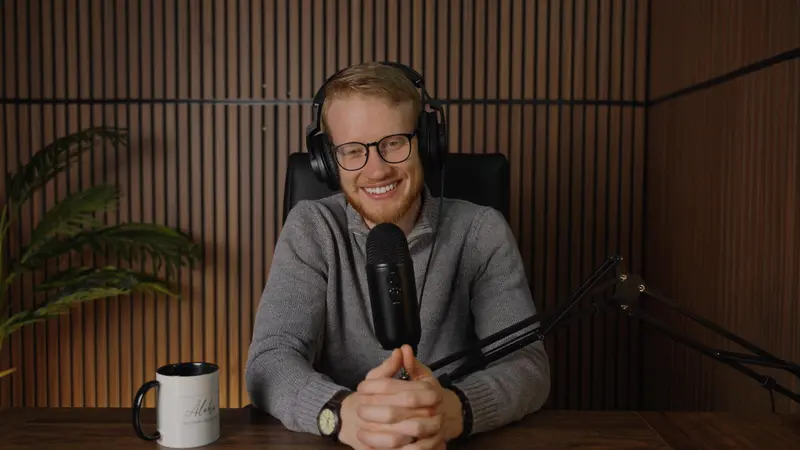
One phone in the middle of the table is the most common way a home-recorded episode ends up unusable. Both people sit eighteen to thirty inches from it, and at that range the room is louder relative to your voices than either voice is.
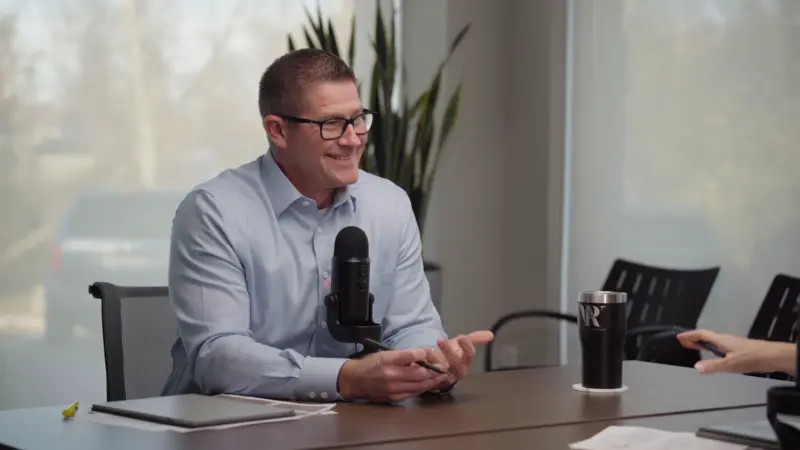
The free fix is one phone per person. Each of you records your own file, both of you clap once at the start, and you line the two up on the clap in Audacity afterward. That’s a double-ender, a documented professional technique rather than a workaround.double-ender recording explainedChecked 2026-08-04 The limit is real: both phones pick up both voices, so you can’t fully isolate either person. It still beats the alternative by a mile.
Recording someone who is not in the room
The best free remote workflow isn’t a product at all. Talk on any call service you like, treat the call as the conversation rather than the recording, have both of you record locally on your own phone, and get the guest to send their file afterward. No time cap, no watermark, no compression from a bad connection, and a dropped call costs you nothing. The price is one extra sentence of instruction to your guest.Nation's noteSend the guest that instruction the day before, not five minutes before you start. Half of them have never opened the voice recorder on their own phone.
Every free tier is worse than that, and the vendors’ own pages are clearer about it than the review sites are.
| Free option | Time limit | Watermark | What you actually get |
|---|---|---|---|
| Two phones and any call | None | None | Two clean local files. You line them up on a clap. |
| Cleanfeed Lite | None | None | Up to two guests, commercial use allowed, one mixed track. Multitrack is paid. |
| Riverside free | Unlimited recording | Yes, on everything | Separate track export capped at two hours, one time only. Up to 720p. |
| Zoom Basic | 40 minutes, including one to one calls | None | Local recording on desktop only, and it is the compressed call audio. |
| Descript free | 60 minutes of media per month | Yes, no clean export at all | 720p export, 5 GB of storage, one seat. |
| StreamYard free | Two hours of local recording per month | Yes, permanent | Standard definition output, up to six participants. |
| Zencastr free | Legacy plan, still open to new users | Not stated | Recordings archived after 31 days and you cannot get them back on free. |
The row at the top is not software. It is two people pressing record on their own phones, and it beats every free tier under it on audio quality, time limit and watermark at the same time.
Cleanfeed’s free tier is the standout among the real products: unlimited recording time, two guests, no watermark, commercial use allowed.Cleanfeed’s pricing pageChecked 2026-08-04 You get one mixed track instead of separate ones, which for an interview show is often fine.
Two corrections, because the internet has them wrong. Riverside’s own page words its separate-track export limit as “2 hours (one-off),” while current reviews describe it as two hours per month.Riverside’s pricing pageChecked 2026-08-04 Descript’s page lists watermark-free export as not available on free, while third parties keep repeating that you get one clean export a month.Descript’s pricing pageChecked 2026-08-04 Trust the vendor over the review site. And if you batch your recordings, know that Zencastr archives your masters after 31 days and you cannot get them back while you stay on free.Zencastr on recording mastersChecked 2026-08-04
Editing, and the one number nobody gives you
Audacity is free, open source, and runs on Windows, Mac and Linux.AudacityChecked 2026-08-04 GarageBand is free on Mac, iPhone and iPad, and it’s the easier of the two if you already live in Apple’s world.GarageBandChecked 2026-08-04 Either one teaches you cut, fade, normalize and export in about half an hour, and that’s the entire skill set a talking-head episode needs.
Apple publishes a target loudness for podcasts of about -16 LKFS with true peak no higher than -1 dBFS, calculated per ITU-R BS.1770-5.Apple podcast audio requirementsChecked 2026-08-04 I could not find that spec in a single competing beginner guide. It’s the difference between an episode that sits at the same volume as everything else in someone’s feed and one they have to reach for the knob to hear. The same page takes MP3 or AAC, recommends mono at 64 to 128 kbps or stereo at 128 to 256 kbps, and says AAC beats MP3 at the same bit rate.
Cover art in one sitting
Apple’s show cover page asks for 3000 by 3000 pixels, PNG or JPG, no transparency and no alpha channel.Apple’s show cover templateChecked 2026-08-04 Spotify wants a square between 640 and 10000 pixels per side in sRGB.Spotify cover art requirementsChecked 2026-08-04 One 3000 by 3000 square JPG on a solid background satisfies both, so that’s the only number to remember. You’ll also see 72 dpi, RGB and a 512 KB cap quoted across hosting help docs. None of those three appears on Apple’s page, and they read as iTunes-era leftovers.
Canva’s free tier does the job, with one catch that costs you an afternoon if nobody warns you. Any premium element stamps a criss-cross watermark across your design until you buy that element or upgrade.Canva on watermarksChecked 2026-08-04 Filter the element search to free before you start building, not after.Nation's notePick one word and make it enormous. Most covers fail because the title reads fine on a laptop and vanishes at the size a phone actually shows it.
Where it lives, and whether you can leave
No beginner guide covers this, and getting it wrong costs more than any other mistake on the list.
Your podcast is not the files. It’s an RSS feed, one URL that every app checks for new episodes. Apple, Spotify and the rest all point at that single address. If your host owns that URL and won’t redirect it when you leave, your subscribers stay behind and you start over at zero.
| Host | What free really means | Can you leave with your audience? |
|---|---|---|
| Spotify for Creators | Unlimited episodes and unlimited hosting, in their own words | Yes. They publish the 301 redirect steps. |
| RSS.com | Advertised as unlimited episodes and unlimited audio | Not verified. An unbranded player is a paid upgrade, so assume the free player is branded. |
| Buzzsprout free | Two hours of upload a month, episodes hosted for 90 days | The free window ends. This is a trial wearing the word free. |
| Podbean free | Five hours of storage total, forever, not per month | Not verified. Your feed also shows only your most recent 20 episodes. |
| YouTube | Free, and it pulls your show in from your RSS feed | It is a destination, not a host. There is no feed here that you own. |
Spotify for Creators is the free host I would pick, and the reason is the third column rather than the first.
Spotify for Creators offers unlimited free hosting and explains the model in plain language: they want every show in the world on Spotify, funded by a share of ad revenue from shows that monetize.Spotify’s own hosting pageChecked 2026-08-04 More importantly, they document the way out. Sign up with a new host, import your episodes, then open Settings, Redirect your podcast, paste the new feed and confirm. It takes up to seven days, and you wait a week before deleting anything.Spotify’s 301 redirect instructionsChecked 2026-08-04 Nobody links to that page and it’s the most useful one on the subject. Two things to watch: your feed has to be switched on by hand before it reaches Apple Podcasts,Spotify on other platformsChecked 2026-08-04 and video episodes play as video only inside Spotify, going out audio-only everywhere else.Spotify on video episodesChecked 2026-08-04
Two free plans get recommended constantly and shouldn’t be. Buzzsprout’s own pricing page says two hours of uploads a month, no rollover, episodes hosted for 90 days.Buzzsprout’s pricing pageChecked 2026-08-04 The page doesn’t say what happens on day 91, and I won’t tell you they get deleted without checking that myself. Podbean’s free plan gives you five hours of storage and 500 MB, and that allowance never resets.Podbean’s free plan featuresChecked 2026-08-04 It’s a lifetime cap. At 35 minutes an episode that’s eight or ten, and then you’re done unless you pay. The free feed shows only your most recent 20 episodes anyway.
We pay for Buzzsprout for the client shows we produce here. The paid plan and the free plan are not the same product.
YouTube sits in a different category. It ingests podcasts by RSS: submit your feed in YouTube Studio, they verify ownership by emailing the address in it, then auto-create a video per episode and keep going as the feed updates.YouTube on podcast RSSChecked 2026-08-04 That’s free distribution to where discovery happens, and no feed you control. It’s also why people start caring about thumbnails.
The quitting statistic everyone repeats
You’ve seen the number. Most podcasts quit at episode 7. Or 78% fail before episode 7. Or 90% never get past episode 3. It’s on studio blogs, all over LinkedIn, and Buzzsprout’s own article about podfade uses the episode-seven version with no source attached to it.Buzzsprout’s podfade articleChecked 2026-08-04
I went looking for where it came from. There’s nothing there. No study, no dataset, no method, no original. It circulates because everyone quotes everyone else, and somewhere along the way a made-up number became something people say with confidence.
Two older figures do have traceable origins, and both are stale. “44% of podcasts have produced three or fewer episodes” came from Steven Goldstein at Amplifi Media, who at least described his method: he filtered the Podcast Index down from about two million shows to the 720,000 with ten or more episodes.Amplifi Media’s analysisChecked 2026-08-04 That baseline dates it to around 2021. The other one, “75% of podcasts are no longer in production,” traces to a 2018 interview about 540,000 shows.
One number holds up. The Podcast Index counts 4,710,437 valid podcasts and defines an active show as one that has published at least one episode in the last 90 days, collected independently and updated nightly.Podcast Index statisticsChecked 2026-08-04 By that definition roughly 482,930 shows were active on Apple Podcasts as of June 2026, about 16% of the total, and that share has held between 15% and 18% every year since 2022, down from a pandemic peak near 59% in December 2020.podcast industry statisticsChecked 2026-08-04
Nobody publishes a clean median episode count before a show goes quiet, so I can’t give you one. The 90-day number says what the invented one was reaching for: most shows stop, they stop early, and that’s the whole argument for spending nothing until you know you’re one of the ones that doesn’t.
What the free path actually costs
The free path costs hours instead of dollars, and the hours are why shows die. The Independent Podcast Report asked podcasters how long one episode takes from planning through publishing: 55% landed in the one to five hour range, only 4% came in under an hour, and 13% spent more than ten.Independent Podcast Report time dataChecked 2026-08-04 Production agencies put the figure at eight to ten hours for a well-produced episode.a production agency’s estimateChecked 2026-08-04 I’d read that second number knowing it comes from companies whose business depends on it being high, and mine is one of them.
The cross-tab inside that survey is the part worth sitting with. Of the people who spend one to three hours per episode, 63% publish weekly. Everyone slower publishes less often. Consistency isn’t a personality trait. It’s downstream of how long each episode takes you, and that’s the mechanism behind every show that fades.
What does doing it yourself actually cost?
The cash answer is zero. The real answer is your calendar. Set these four things to match your show.
That is about 12 working days a year. Worth finding out what it costs to hand off just the editing.
Hours bands from the Independent Podcast Report, via The Podcast Host. Default hourly rate is the mean across all occupations in the Boise City metro area, May 2025, from the Bureau of Labor Statistics. Both checked 4 August 2026. The video figure is our estimate and is not sourced.
The first thing worth buying
Nothing, until you’ve published something. After that, the order matters more than the budget.
- A dynamic USB microphone that also has an XLR output. Around a hundred dollars buys the biggest quality jump available to you, and not because the capsule is special. It’s directional, so it rejects your room, and it sits four to six inches from your face instead of across the table. The dual connection means it plugs into a laptop today and still works if you move up to real gear or into a studio.
- A boom arm. It looks like a luxury and it isn’t. It holds the mic at the same distance every time, and inconsistent distance from episode to episode is the loudest amateur tell there is.
- A second microphone, so nobody shares.
- Clip-on wireless mics, once the show is video and you move around.
- A better mic with onboard noise processing, and not until you’ve been at this a year.
I’m not printing prices, because gear-guide prices go stale fast. Buzzsprout’s beginner guide names a Samson Q2U at $70 and a Rode PodMic at $150, and neither figure matched retailer pages when I checked in August 2026.Buzzsprout’s gear picksChecked 2026-08-04 Open a retailer page yourself on the day you buy.
You’ll run into an argument about treating the room versus buying a better mic. Studios say treatment wins, mic consultants say a close dynamic mic removes the need for it.dynamic versus condenser micsChecked 2026-08-04 Both are saying the room is the problem. Buying foam before a directional microphone is spending in the wrong order.
Where doing it yourself actually stops
One camera is solvable in a weekend. Face a window rather than sitting in front of one, clap once at the top of every take so the audio lines up with the picture, then put the camera at eye height and leave it alone. Plenty of business owners do that well.
Two cameras is a different job.
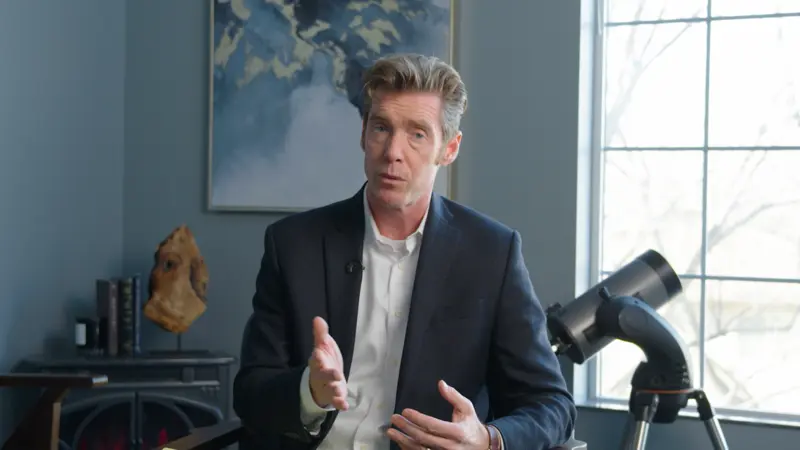
Three things break as soon as there’s a second camera, and production sources name them in roughly this order.multicam podcast setup guideChecked 2026-08-04
Sync and frame rates. A clap solves single-camera sync. It doesn’t solve drift across a long recording, or two cameras shooting at different frame rates, a mistake you make once and discover in the edit.
Colour matching across bodies. If your two cameras don’t look like they’re in the same room, every cut feels like a mistake to the viewer even when they can’t say why. Fixing that is colour grading, and it is not a weekend skill.
Multicam editing. Choosing which face is on screen at which second, for an hour, every week. None of it is conceptually hard, it’s just relentless, and it’s where the hours go.
Do it at home for free. Set up your phone. When you’re ready to go big, or you need help with production, or you want a really big thumbnail, that’s when you need the production side. Then we talk.
Every percentage you’ve read about thumbnails and click-through rate is unsourced. The 30 to 40% lift, the 38% consistency boost, none of them names a method or links to a dataset. What’s real is that YouTube built and shipped its own A/B testing tool, Test and Compare, for exactly this question.YouTube’s Test and CompareChecked 2026-08-04 Run your own test instead of trusting either of us.
Roger Hall records with us every Thursday for his wealth management show, and the episode plus thumbnail plus social clips go out the following week. That cadence is the thing free tools can’t buy you, and it’s the only honest reason to pay anybody.Nation's noteHe got a client or two directly from the show. The bigger win was that it told his existing clients why he’s different from every other wealth manager in town. Views were never the point.
Record six episodes on your phone first. If you get to seven and still want to keep going, come see the room. If you don’t, you found that out for free.
Common questions
- Can you really start a podcast for free?
- Yes, start to finish. Record on the phone you already own, held four to six inches from your mouth in a room with soft furniture in it. Edit in Audacity or GarageBand, both of which are free. Make a 3000 by 3000 pixel cover in Canva using free elements only. Host it on Spotify for Creators, which offers unlimited free hosting and gives you an RSS feed you can point at Apple Podcasts. Total cash cost is zero. The real cost is your time, which most independent podcasters report as one to five hours per episode.
- What is the best free podcast host?
- Spotify for Creators, and the reason is the exit rather than the price. They offer unlimited free hosting, and they publish step by step instructions for setting a 301 redirect to a different host if you leave, which means you keep your subscribers. Two things to watch: you have to enable your RSS feed manually to reach Apple Podcasts and other apps, and video episodes only play as video on Spotify, going out audio-only everywhere else.
- Is Buzzsprout's free plan actually free?
- Not in the way most people assume. Buzzsprout's own pricing page states two hours of uploads per month, with unused hours not rolling over, and episodes hosted for 90 days. It reads as a 90-day trial rather than a permanent free plan. The page does not say what happens to your episodes on day 91, so check with Buzzsprout directly before you build a show on it. Podbean's free plan has a different catch: its five hours of storage is a lifetime total, not a monthly allowance.
- How loud should a podcast episode be?
- Apple publishes a target of about -16 LKFS with true peak no higher than -1 dBFS, calculated per ITU-R BS.1770-5. Almost no beginner guide gives that number, and it is the difference between an episode that sits at the same volume as everything else in someone's feed and one they have to reach for the volume knob to hear. Apple also accepts MP3 or AAC via RSS, and states AAC sounds better than MP3 at the same bit rate.
- When should I stop recording at home and hire a studio?
- When you add a second camera. One camera, one light source, and a clap at the top of each take is genuinely learnable on your own. Two cameras introduces colour matching between bodies and multicam editing, and neither of those is a weekend skill. Everything before that point, including all audio-only podcasting, a business owner can handle alone. If your show is audio only, keep doing it yourself.
Nation Goetter
Nation runs Aloha Media Studio in Eagle, Idaho. He has produced 300+ episodes and projects for business owners across the Treasure Valley, and everything in these guides comes out of sessions run in his own room, not from a keyword tool.
More about the studio →